John R. Wood Properties, Christie's International Real Estate
← All walkthroughs

Your Personal Link

Where to find your link and QR code, and how to put them to work.

The steps

  1. 1This is your page in Masthead. It starts with how you appear to visitors. Your photo and details come from the roster, so there's nothing to keep up here.
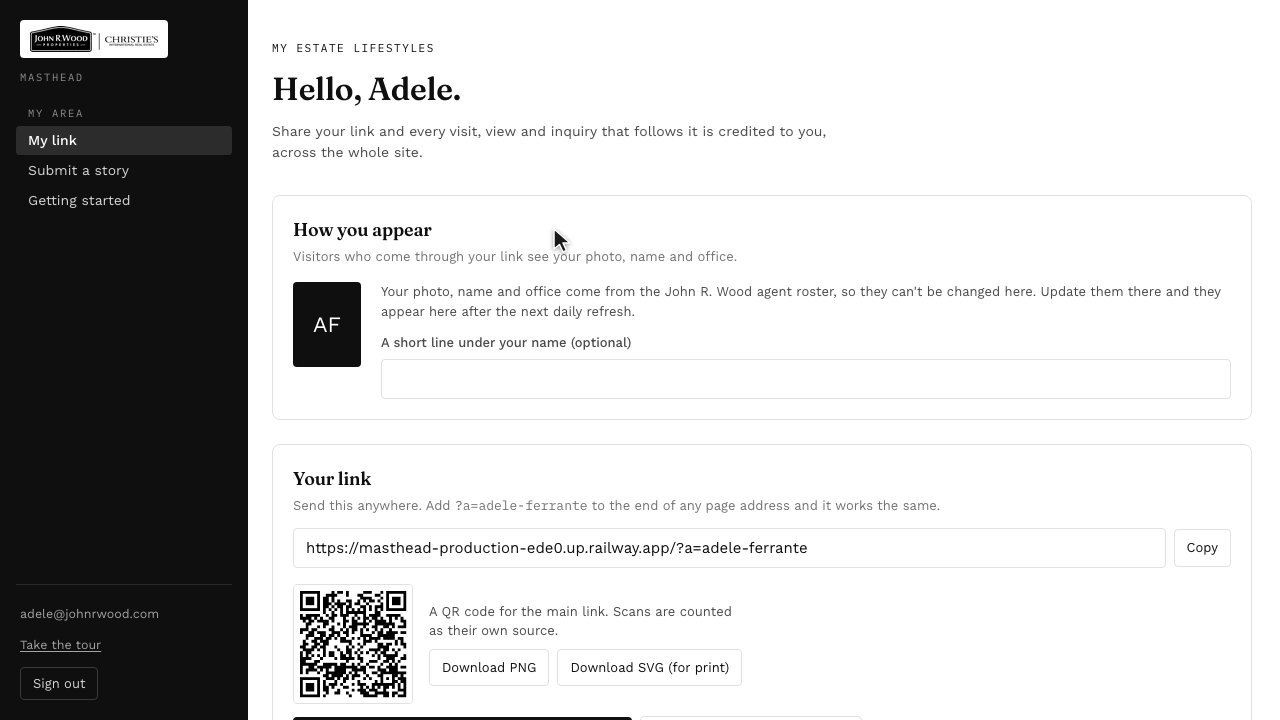
    Step 1: This is your page in Masthead. It starts with how you appear to visitors. Your photo and details come from the roster, so there's nothing to keep up here.
  2. 2Next is your link. Anyone who comes to the site through it is remembered as yours for a year.
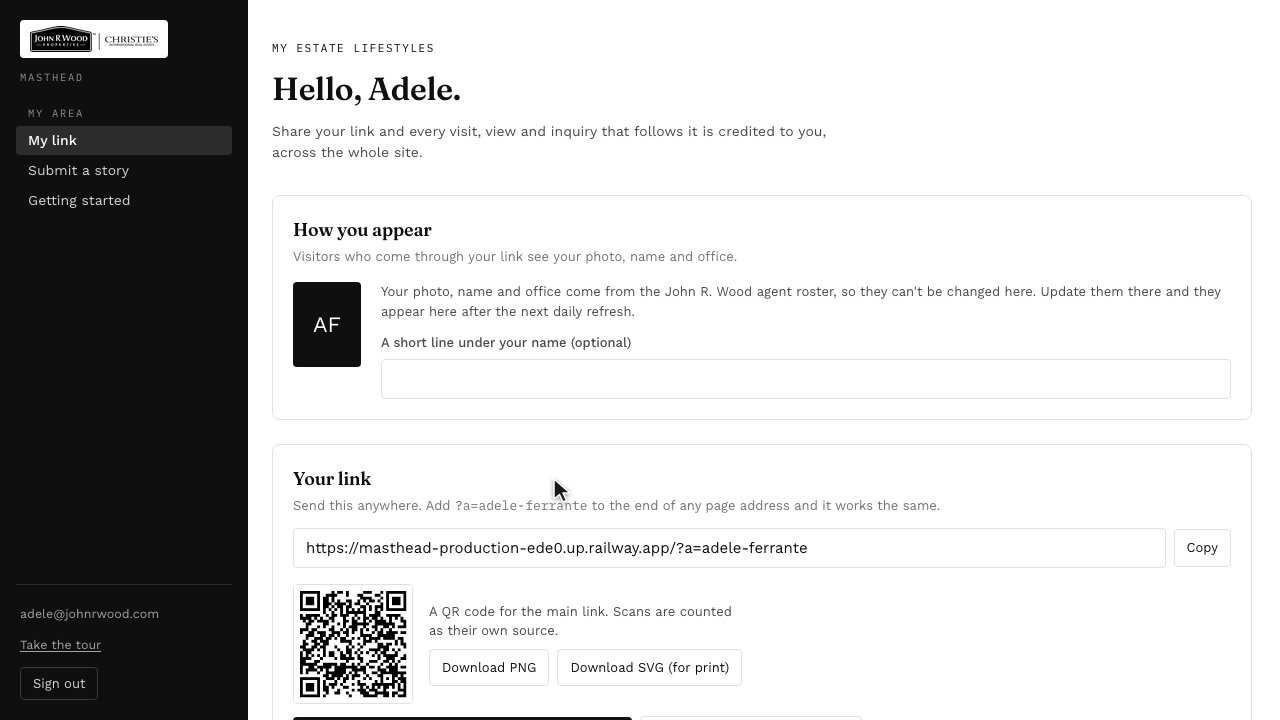
    Step 2: Next is your link. Anyone who comes to the site through it is remembered as yours for a year.
  3. 3Click Copy to put it on your clipboard, then paste it into an email, a text, or a post.
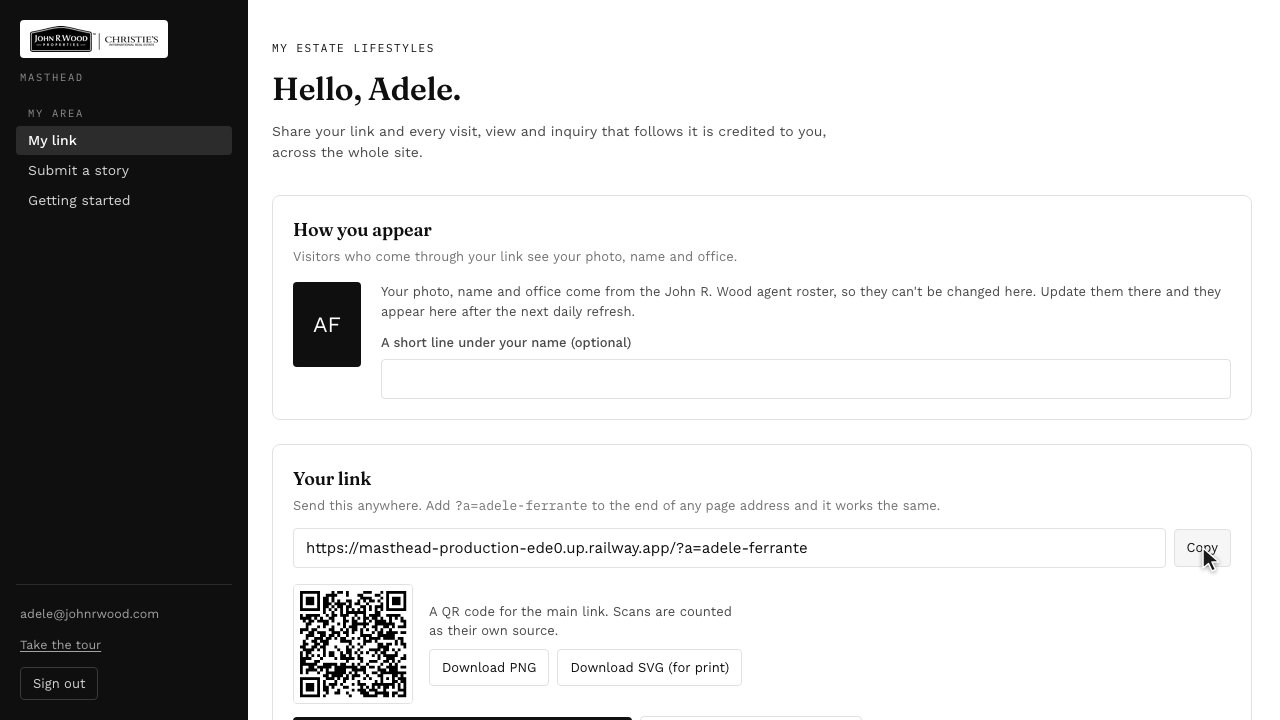
    Step 3: Click Copy to put it on your clipboard, then paste it into an email, a text, or a post.
  4. 4Below it is a QR code you can download. It's good for business cards and open house signs.
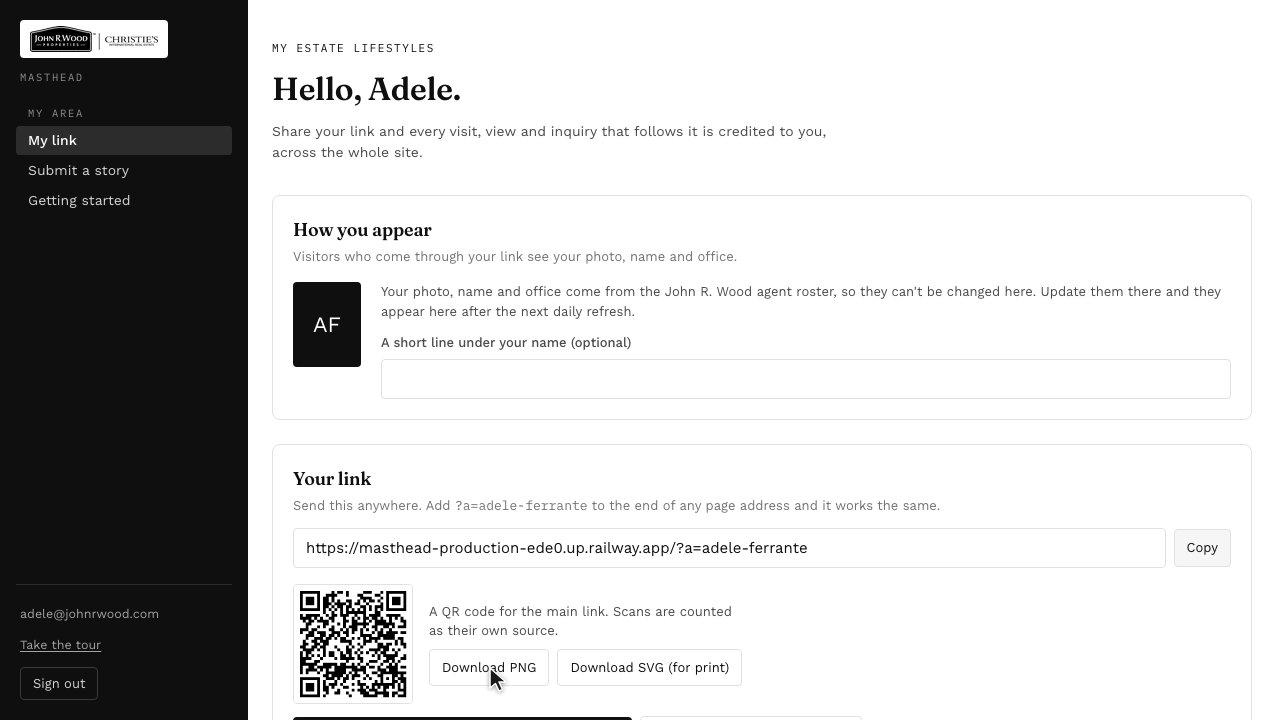
    Step 4: Below it is a QR code you can download. It's good for business cards and open house signs.
  5. 5To see exactly what a visitor sees, choose Preview what visitors see. Nothing you do there is counted.
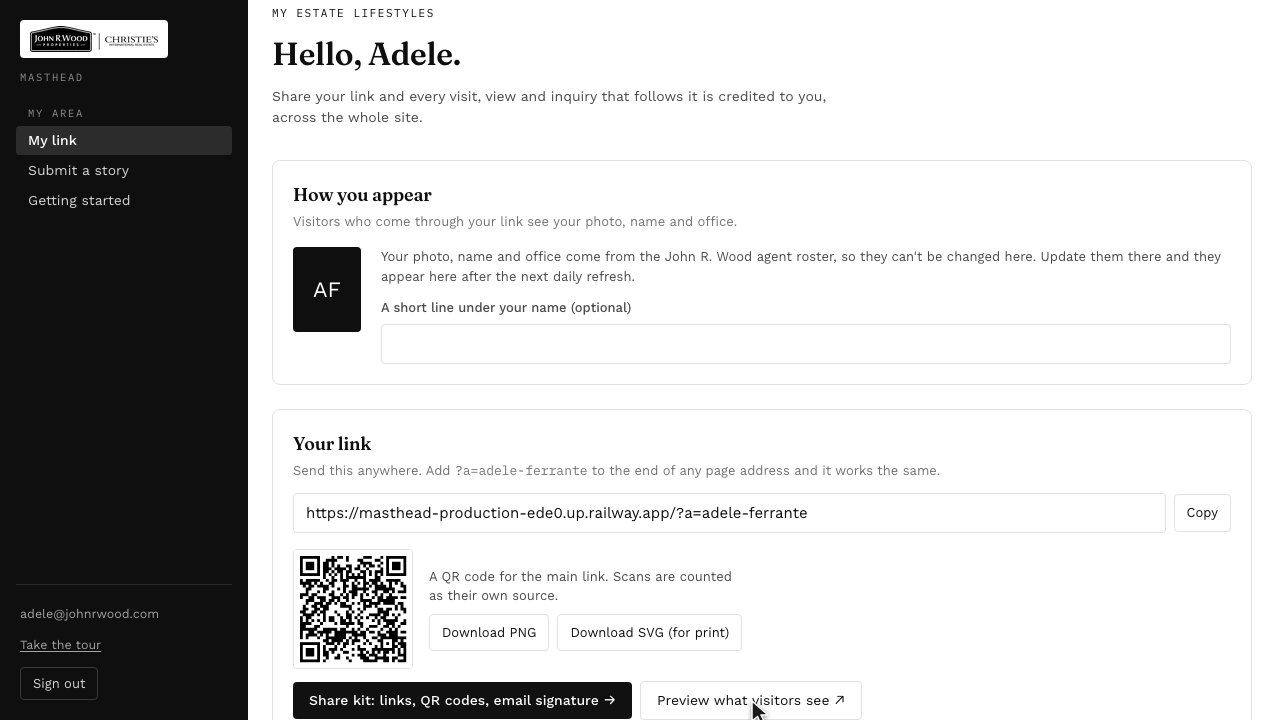
    Step 5: To see exactly what a visitor sees, choose Preview what visitors see. Nothing you do there is counted.
  6. 6For more ways to share, open the share kit.
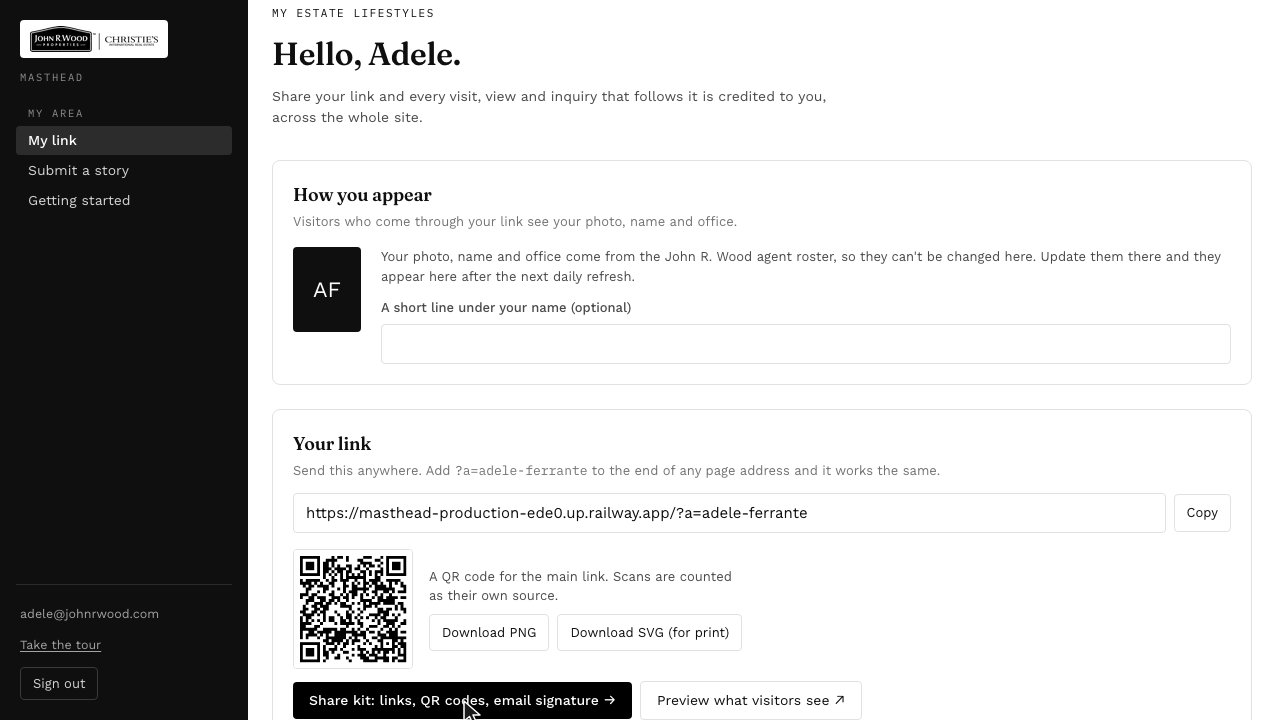
    Step 6: For more ways to share, open the share kit.

Next: Sharing a Story With Your Link →

Sign in to Masthead