
John R. Wood Properties, Christie's International Real Estate
← All walkthroughs

Sharing a Story With Your Link

Pick a story or a listing, then copy the link, post it, or email it to a prospect.

The steps

  1. 1Start by choosing what to share. Pick a story, the magazine, or one of your listings.
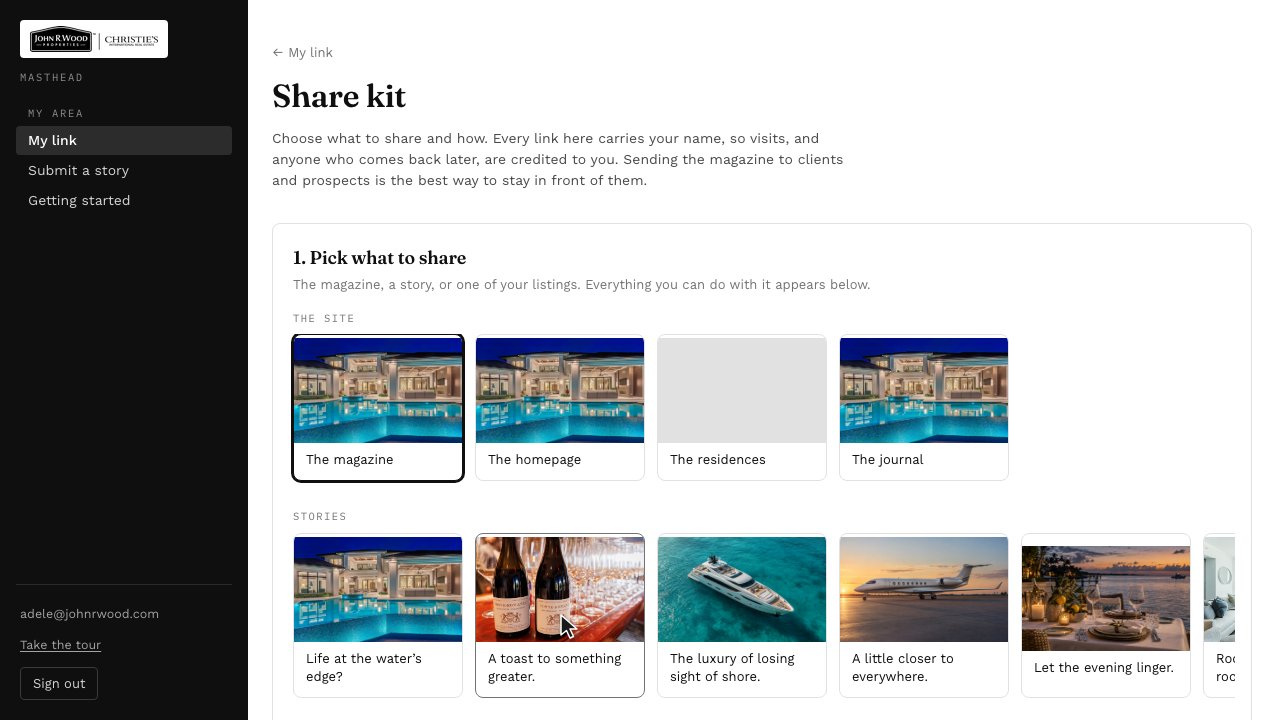
    Step 1: Start by choosing what to share. Pick a story, the magazine, or one of your listings.
  2. 2Everything you can do with it is right below. Each tab is a different way to share.
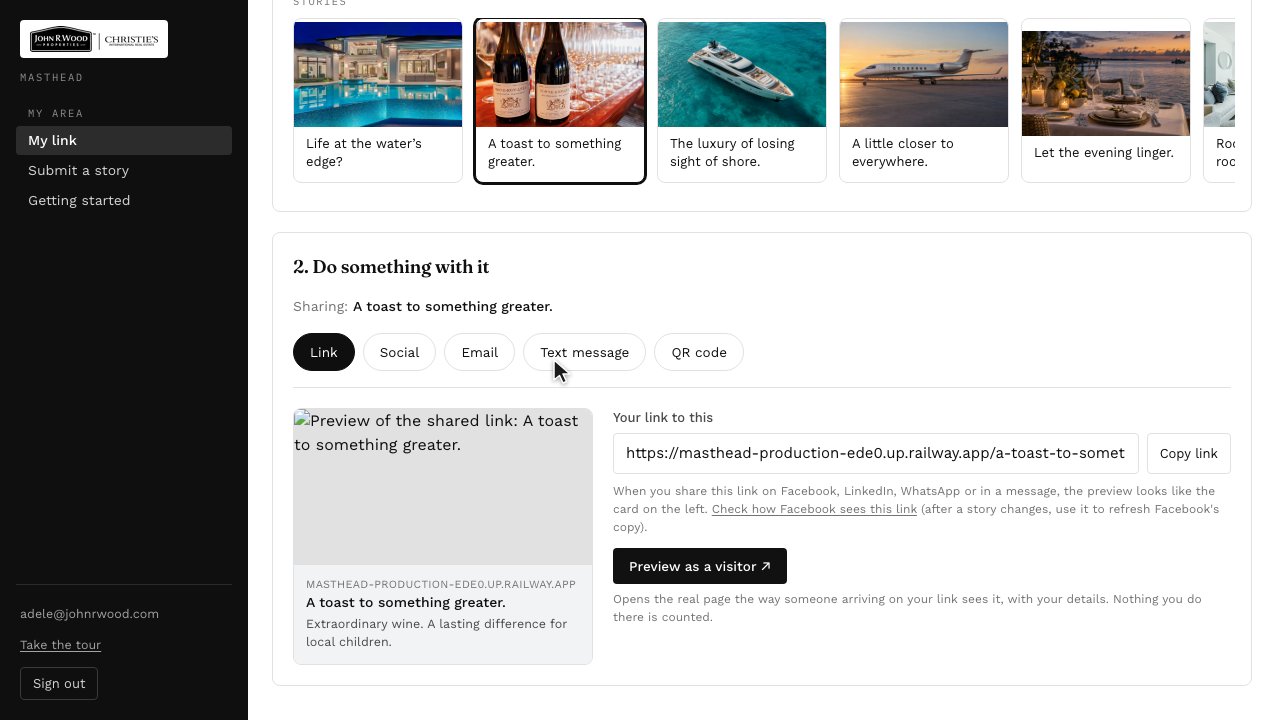
    Step 2: Everything you can do with it is right below. Each tab is a different way to share.
  3. 3Under Link, copy your link to take it with you, or preview the page the way a visitor sees it.
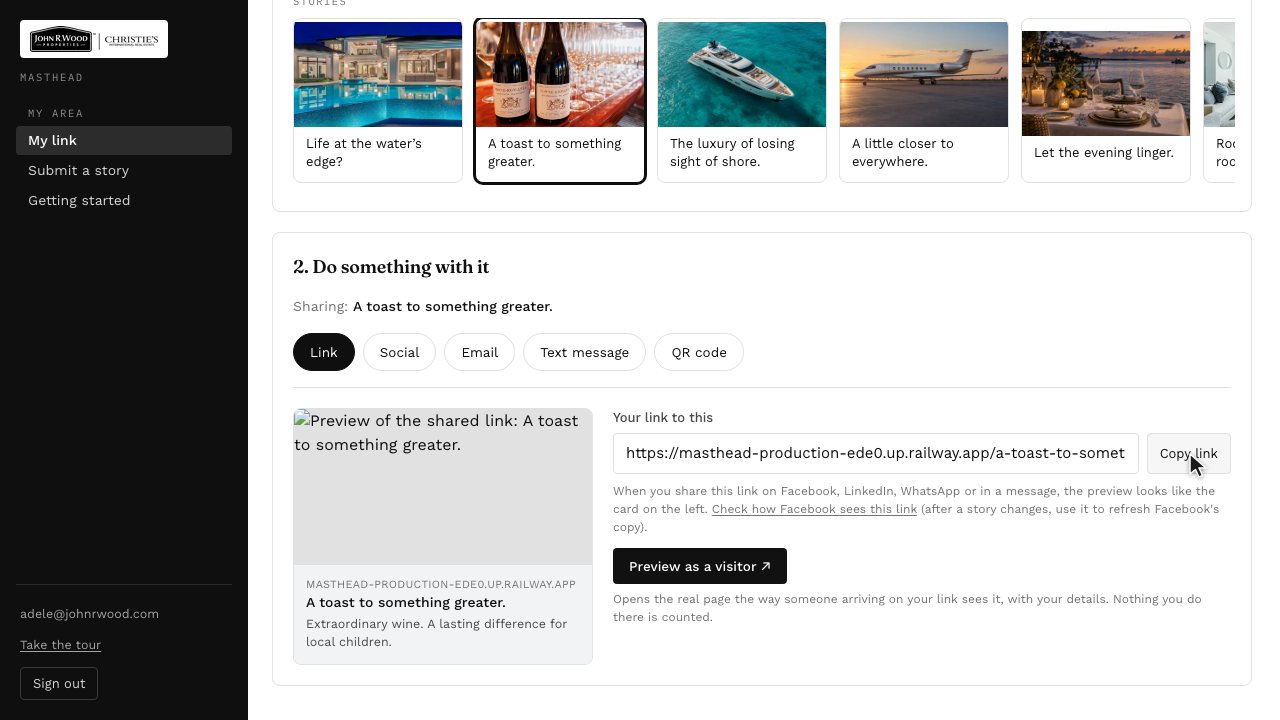
    Step 3: Under Link, copy your link to take it with you, or preview the page the way a visitor sees it.
  4. 4Social has a caption ready to go. Pick a network and Masthead opens it with your link.
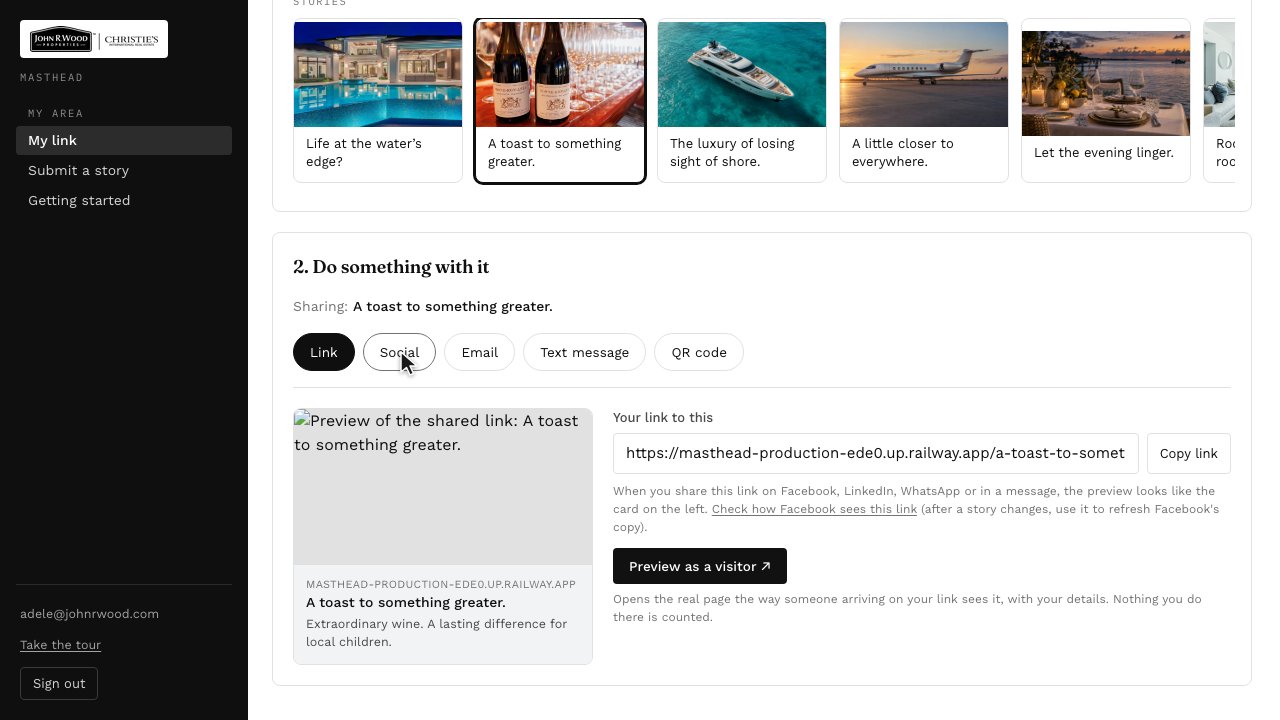
    Step 4: Social has a caption ready to go. Pick a network and Masthead opens it with your link.
  5. 5To email a prospect, add their first name, and a line of your own.
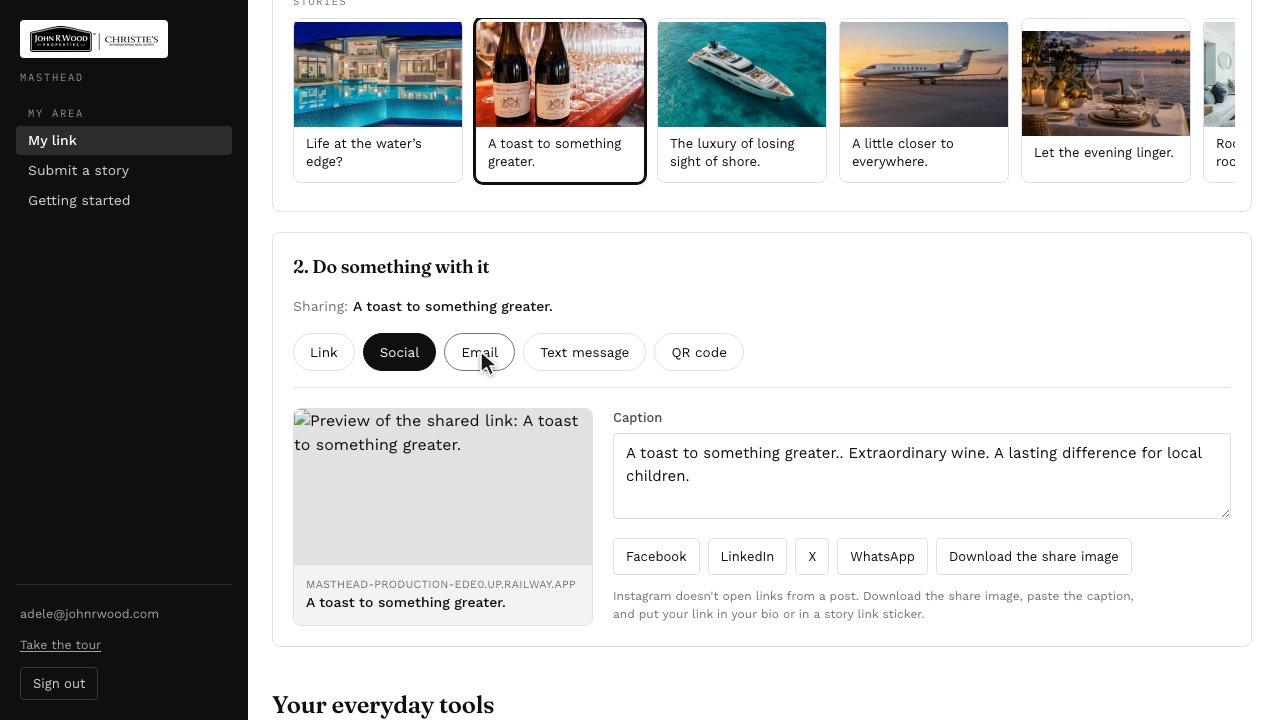
    Step 5: To email a prospect, add their first name, and a line of your own.
  6. 6The email is written for you. Copy it, and paste it into a new message.
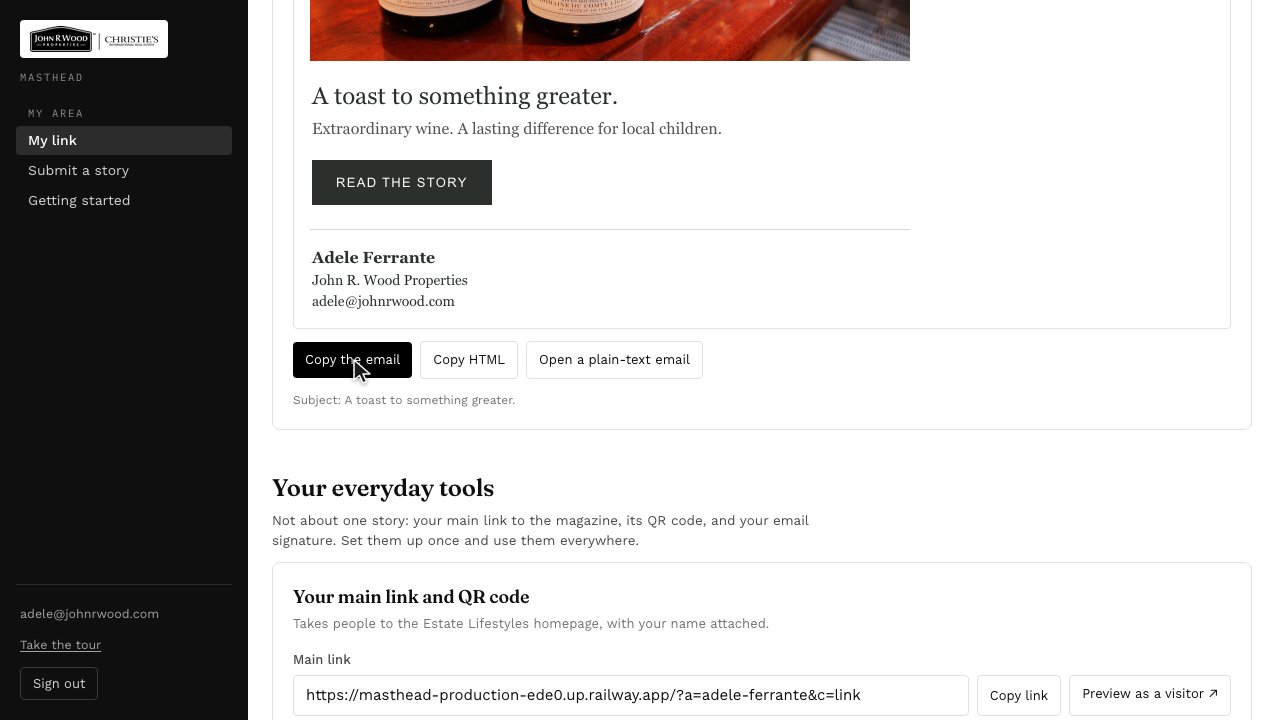
    Step 6: The email is written for you. Copy it, and paste it into a new message.
  7. 7Your main link, your QR code and your email signature are further down, under everyday tools.
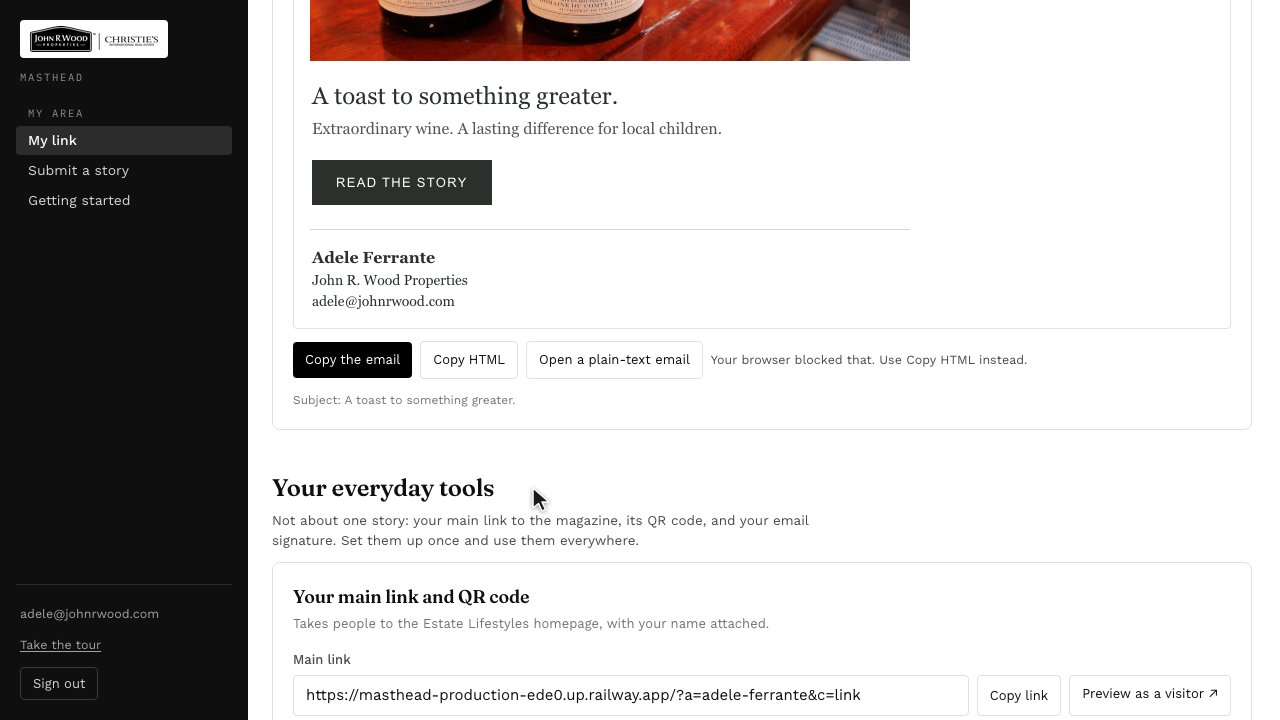
    Step 7: Your main link, your QR code and your email signature are further down, under everyday tools.

Next: Sending Us a Story →

Sign in to Masthead